1.1. Operating Systems
1.1.1. What is an Operating System?
Computers and computing devices are ubiquitous in today's world, which is why many of the devices that we interact with every day, either directly or indirectly, are considered a computer or contain one internally. Here are some common examples:
The primary piece of software on most computers is known as an operating system. It is a program or collection of programs that manage the computer's resources for its users and the other programs that those users run [AD2014]. Here are a few operating systems that you may have encountered prior to reading this book:
At the time of this writing, Android is the operating system directly used by most users to access 1.5 million sampled websites according to Stats Counter with 45% of the worldwide marketshare. Websites themselves are hosted using computers with operating systems, and Unix-like operating systems dominate in that space as shown in Table 1.1.
Operating System |
2024 1 Jan |
2025 1 Jan |
2026 1 Jan |
2026 19 Aug |
|---|---|---|---|---|
Unix |
83.2% |
88.1% |
90.7% |
92.0% |
Windows |
17.1% |
12.1% |
9.5% |
8.2% |
1.1.2. Early Computers
While most operating systems today provide graphical interfaces that enable users to interact with applications and adjust system settings using a keyboard, mouse, or touchscreen, that was not always the case. Early computers (c. 1940 to 1950) required operators to manually program them by physically connecting cables or preparing and inserting punchcards.
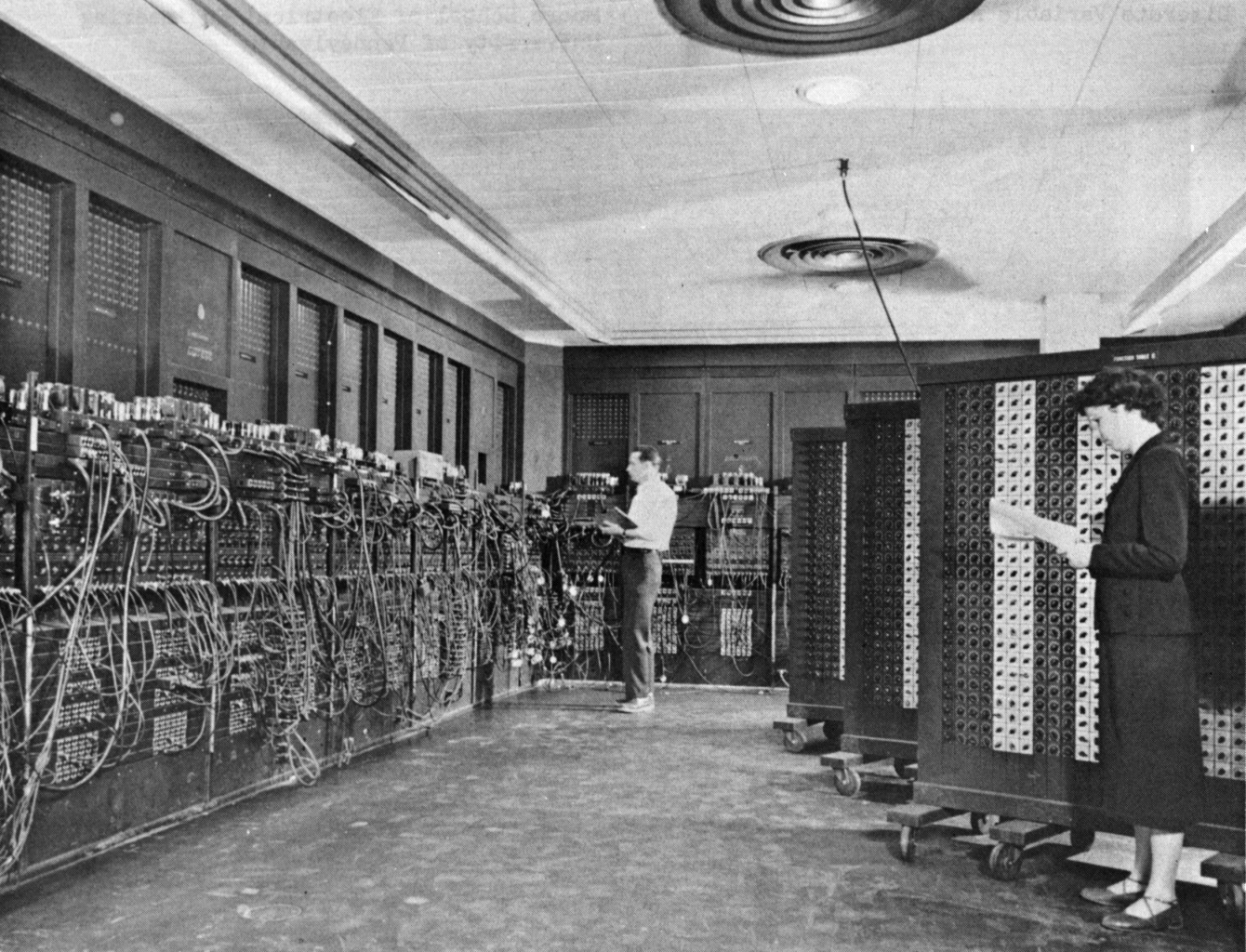
Fig. 1.1 Glen Beck (background) and Betty Snyder (foreground) program the ENIAC computer by connecting patch cords at the Ballistic Research Laboratory in Aberdeen Proving Ground, Maryland c. 1947 to 1955 [IMAGE_ENIAC].
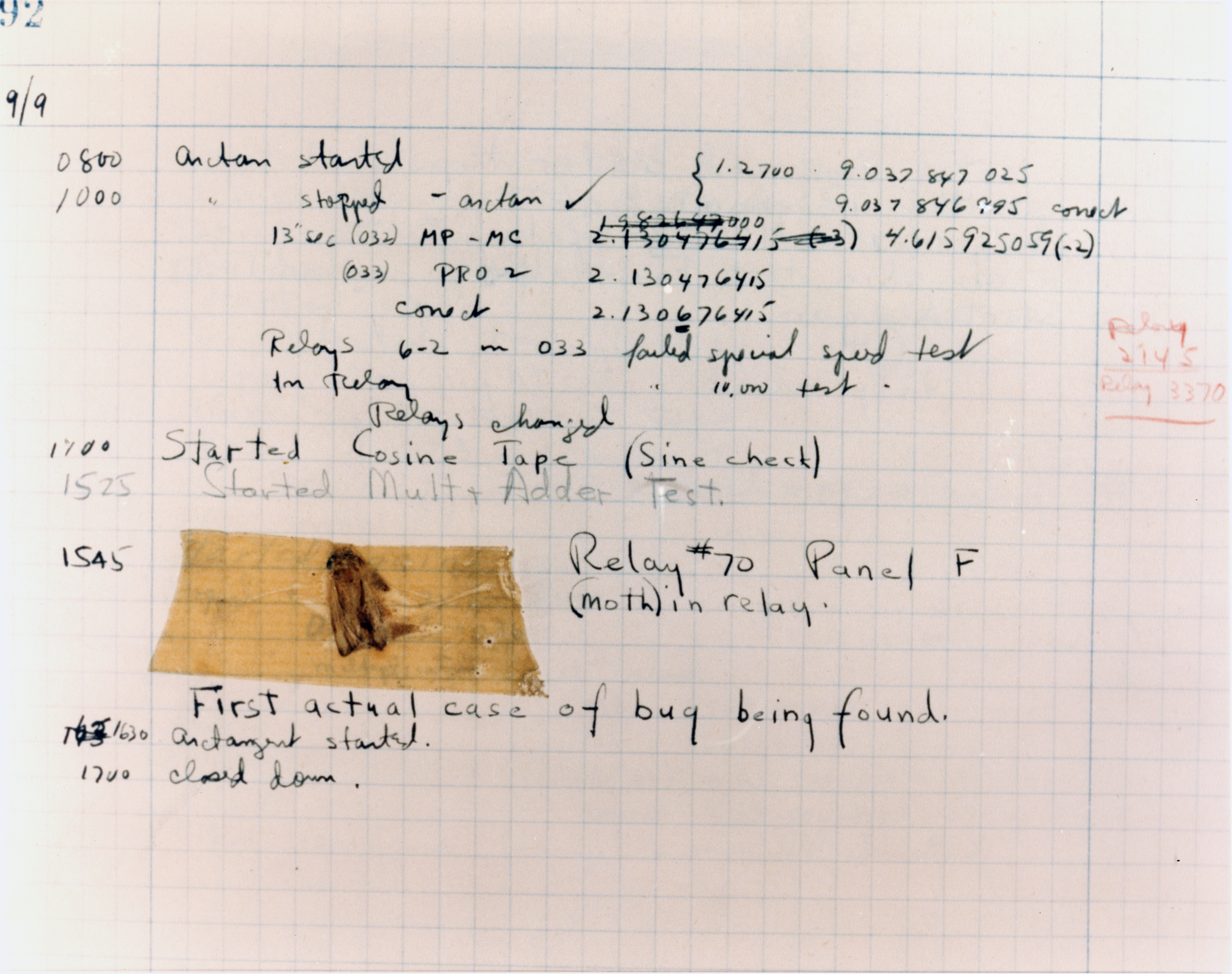
Fig. 1.2 An actual bug, a moth, found trapped inside an early computer (the Harvard Mark II) while it was being tested at Harvard University on September 9, 1947 [IMAGE_BUG].
Early computers did not typically have display monitors attached, so program output was printed onto paper. When a program error occurred, operators needed to check their tubes, wires, and punchcards, and in some cases, physically remove insects that had made their way into the hardware, causing it to malfunction.
Although these early computers operated differently from modern devices, programmers still use terminology originating from that era (see Table 1.2).
Term |
Meaning |
|---|---|
display program output |
|
debug |
find and fix program errors |